
This guide will take you through the steps to install the Hik-Connect app on your phone and create an account.
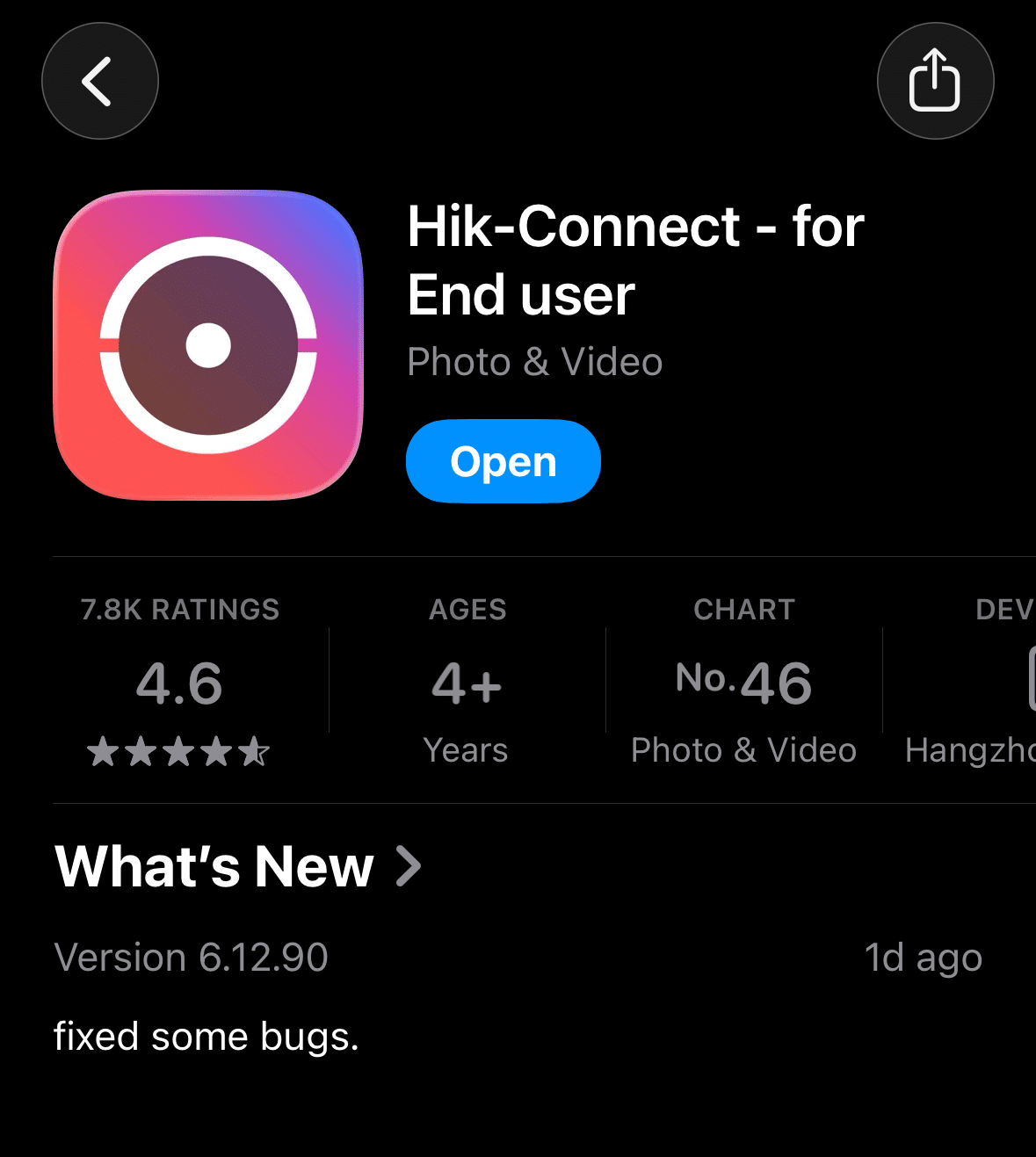
1. Download the App
To manage your Hikvision CCTV cameras, you’ll need the Hik-Connect app. This allows you to view camera feeds, manage notifications and other important camera features.
Depending on your phone, click the link below or search for "Hik-Connect" in your app store:
For iPhone (iOS):Download on the App Store
For Android: Get it on Google Play
2. Create Your Account
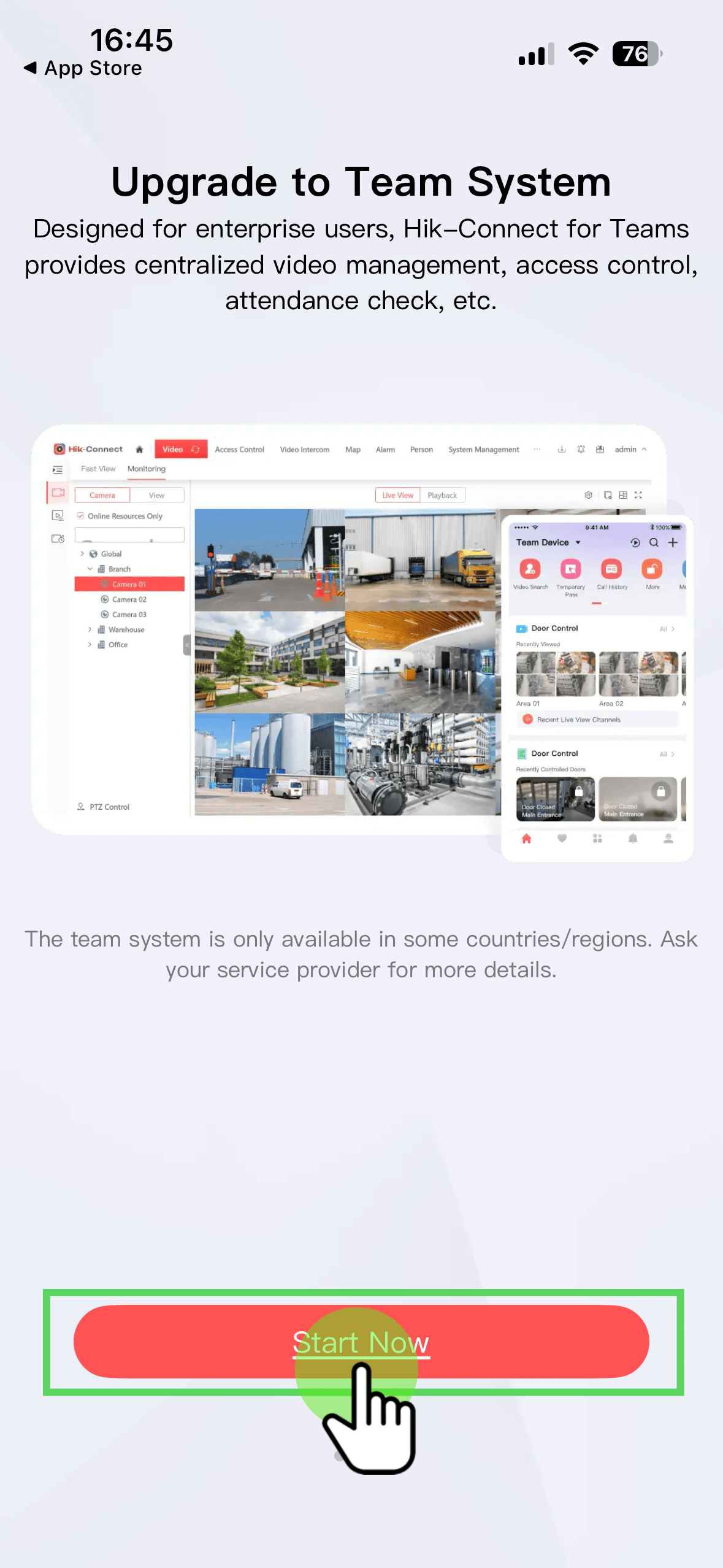
Once the app is installed, you will see a landing page.
Click Start Now to continue.
2.1. Select Login/Register
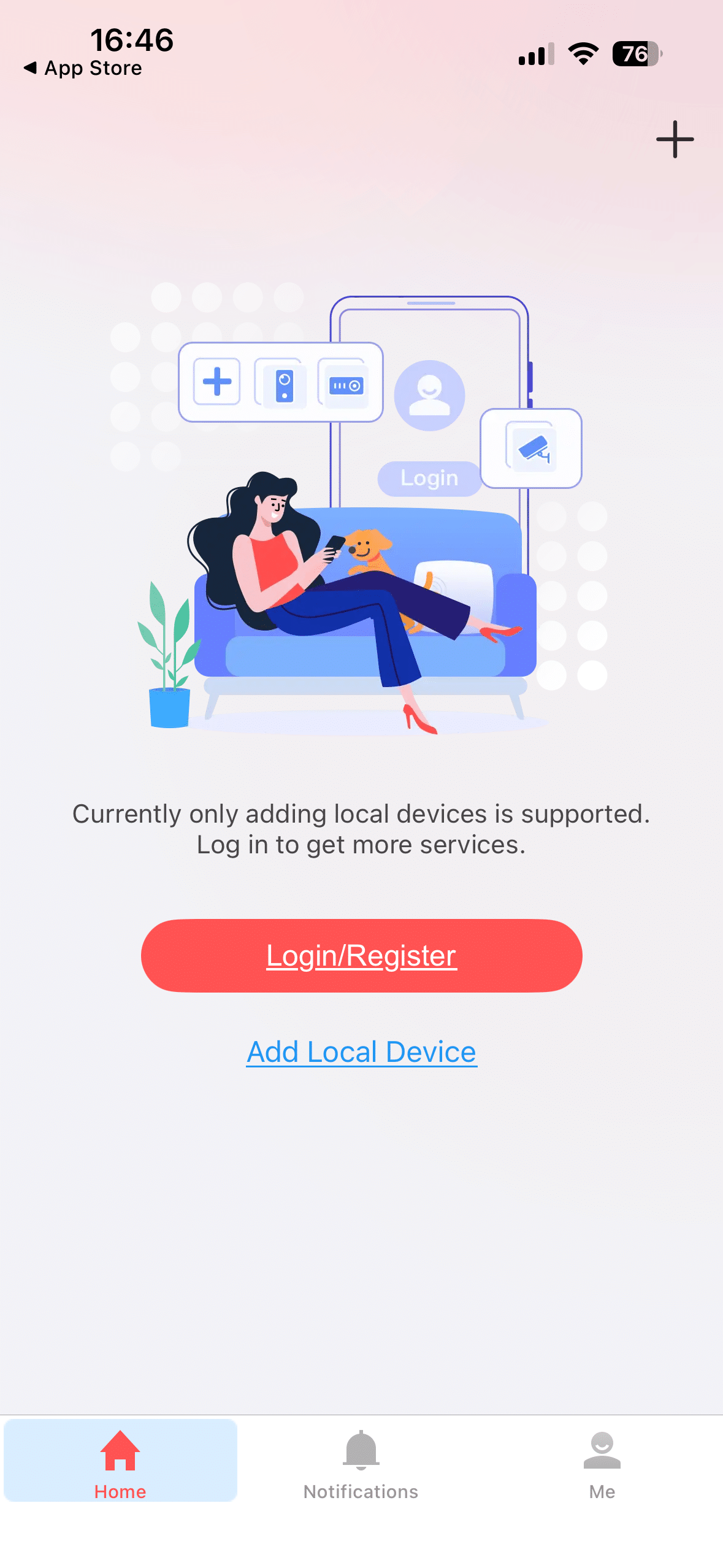
On the next screen, select Login/Register
2.2. Select Region
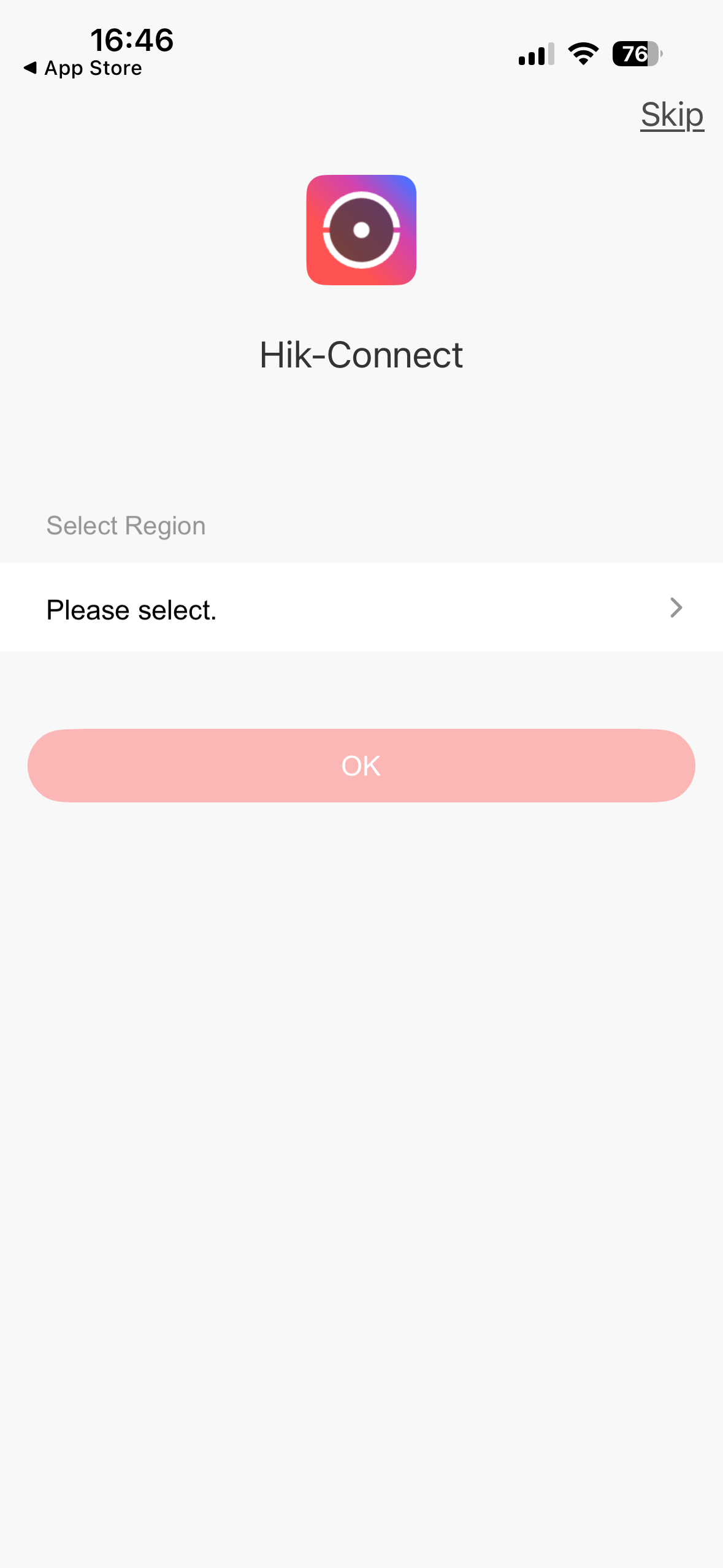
Select Ireland as your region
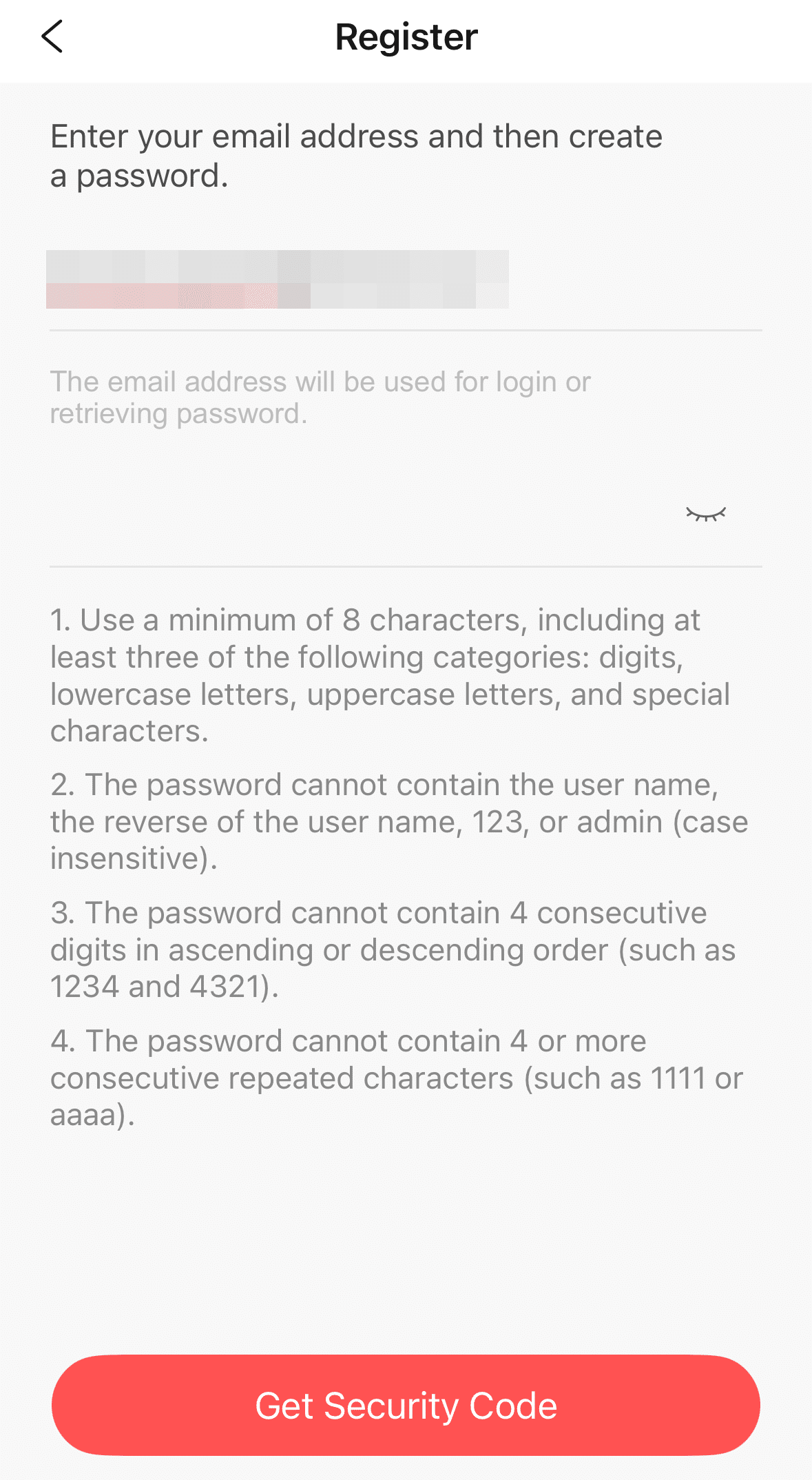
2.3. Register
Here, you can register with your email address or telephone number.
In this example, we are creating an account with an email address.
Create a strong password.
When complete, click on the Get Security Code button.
Enter the security code you receive.
3. Log In & Grant Permissions
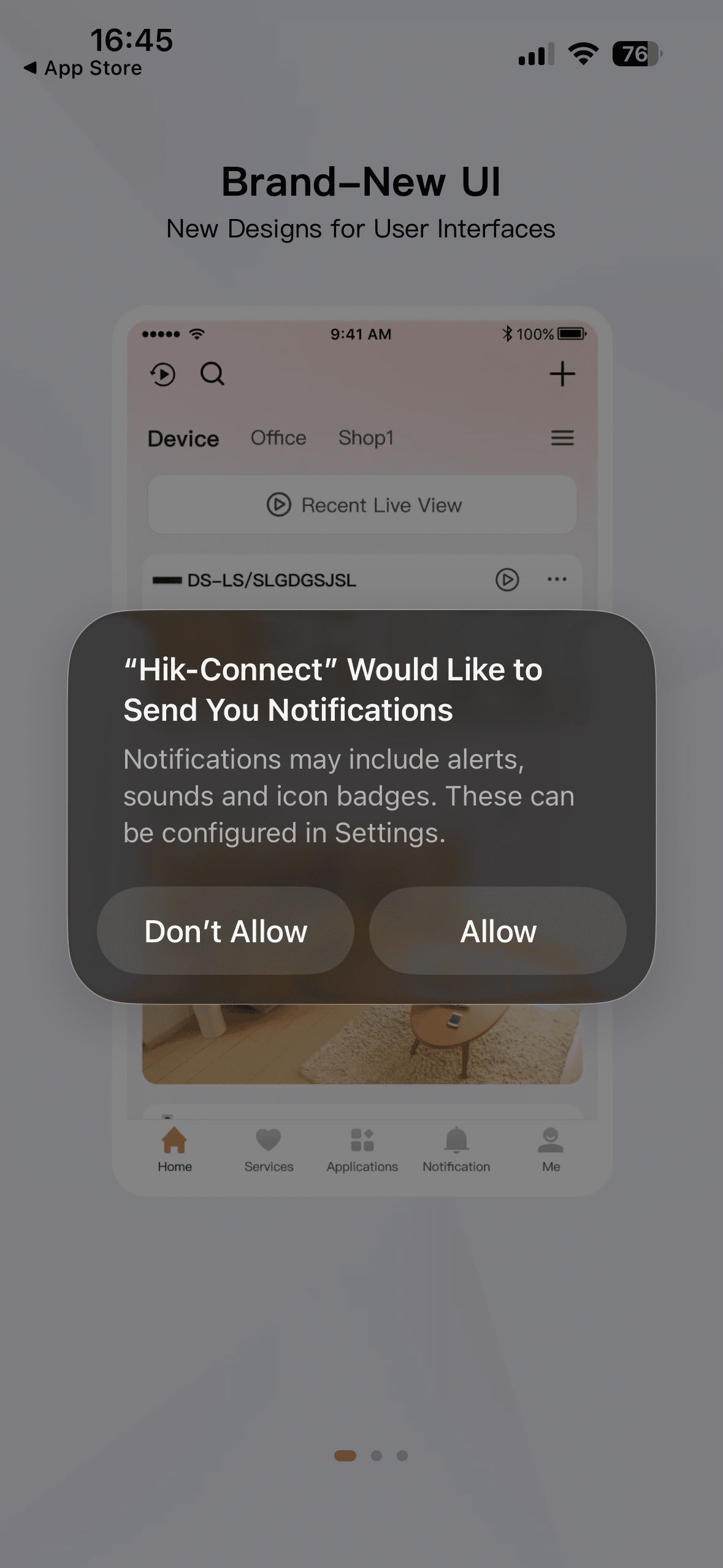
When you log in for the first time, you will be asked to confirm permissions. This will include Notifications which we would advise to Allow (To receive alerts to your phone).
4. Connecting to Your System
As your PSA Licensed Installer, we handle adding Hikvision devices (e.g. cameras) to your App.