
Skip to main content
How Can We Help?
Table of Contents
This toubleshooting guide will take you through how to resolve common DMSS App issues.
1. Video Playback is blurry
Problem:
When reviewing CCTV playback, the image is blurry
Solution:
Video playback may depend on the strength of your internet connection.
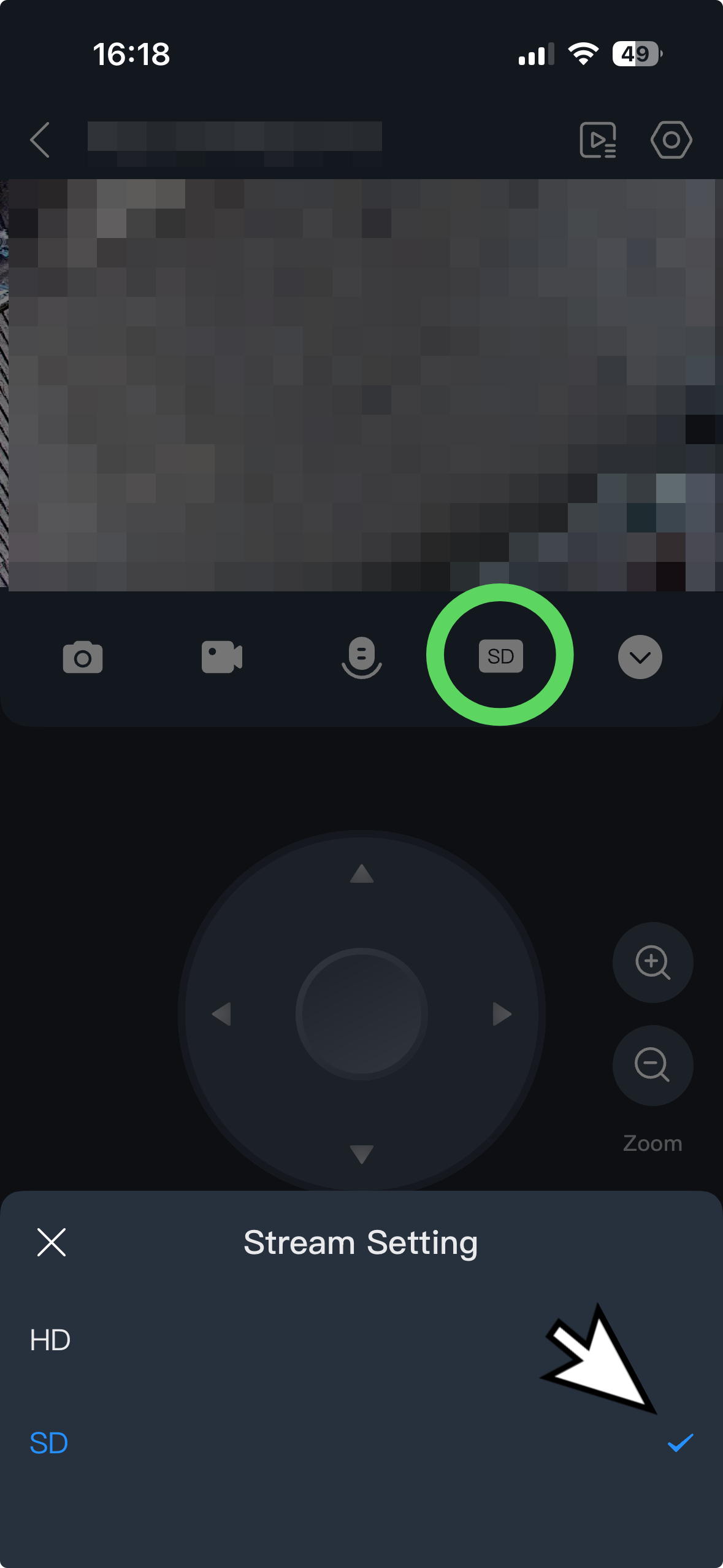
To give you the best chance of reviewing a recording, you can switch between HD (higher quality) and SD (faster loading).
- When reviewing an image, toggle SD/HD as per the screenshot.
- Failing that, switch between your WiFi network and your mobile network.