
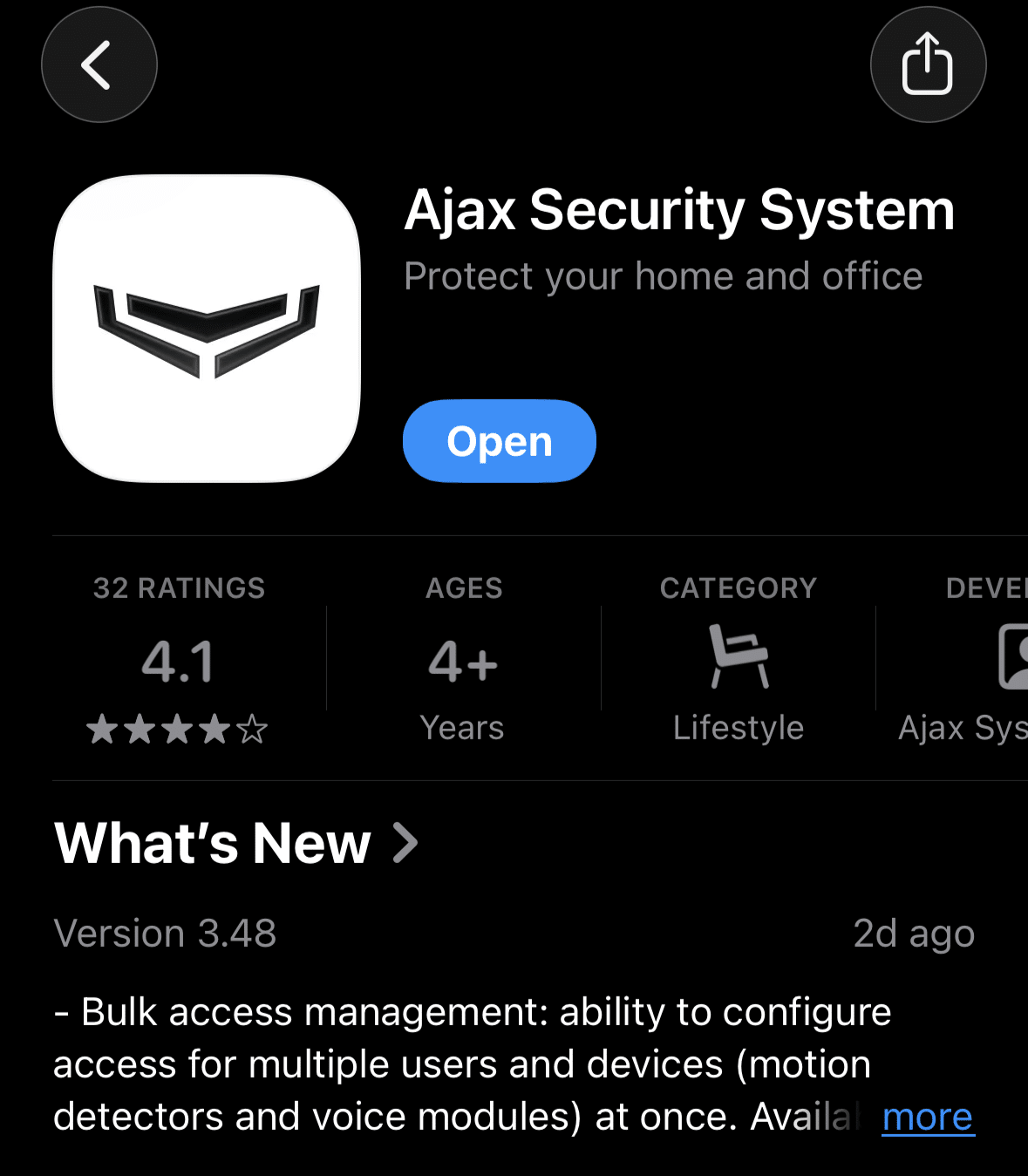
1. Download the App
To manage your intruder alarm, you’ll need the Ajax Security System app. This allows you to arm/disarm your system from anywhere in the world and receive instant alerts if an alarm is triggered.
Depending on your phone, click the link below or search for "Ajax Security System" in your app store:
For iPhone (iOS):Download on the App Store
For Android: Get it on Google Play
2. Create Your Account
Once the app is installed, you’ll need to set up your profile:
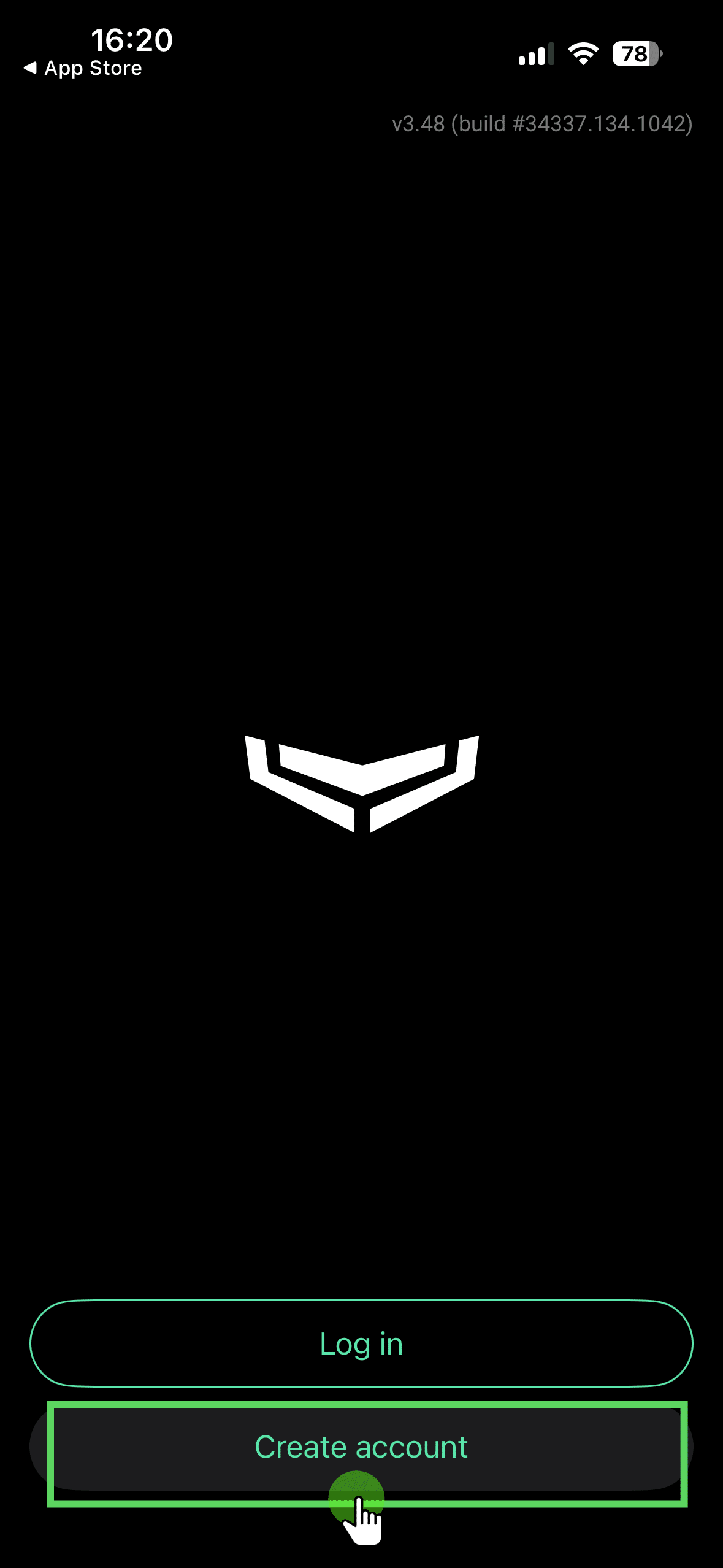
Open the app and tap "Create Account".
3. Complete Registration
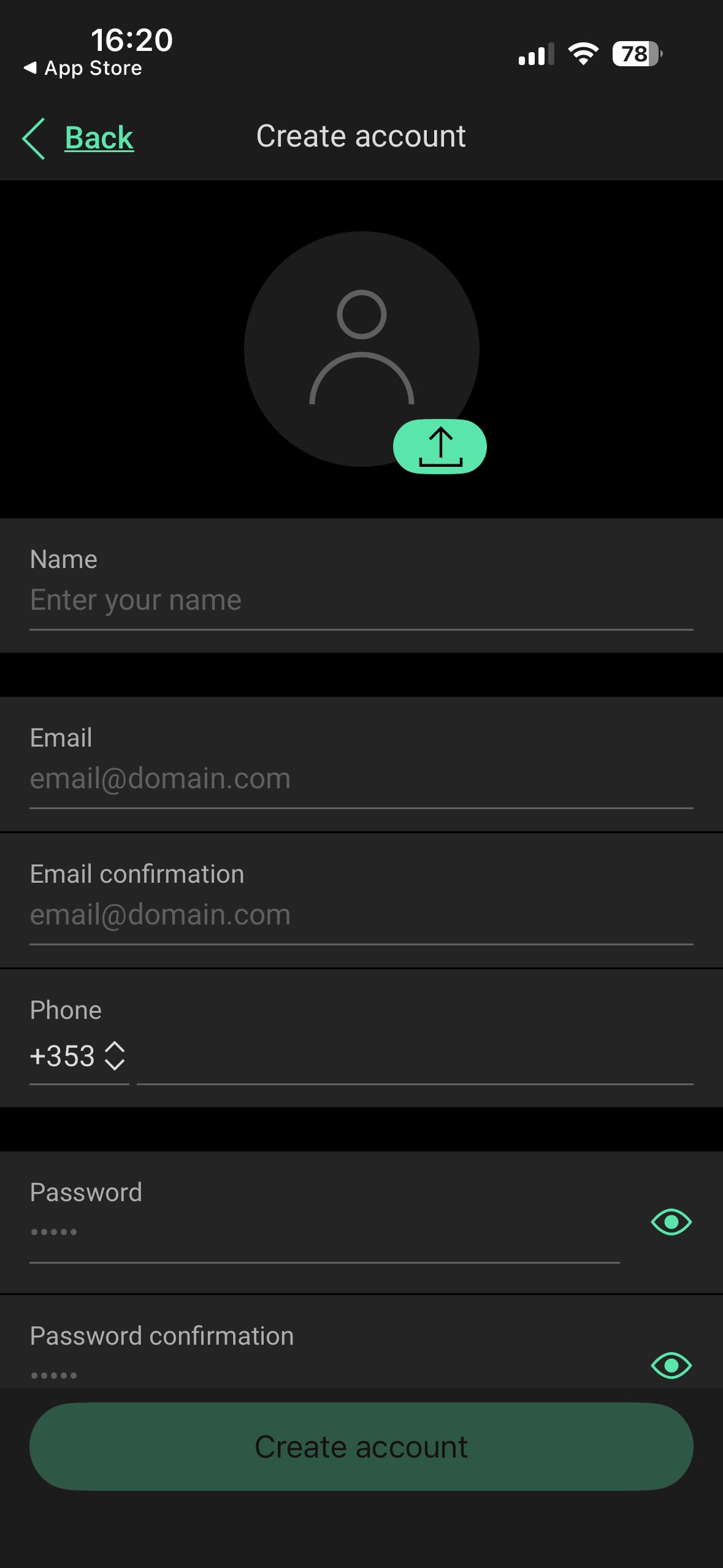
Complete the registration form:
- Enter your Name, Email, and Phone Number.
- Create a strong password.
4. Account Verification
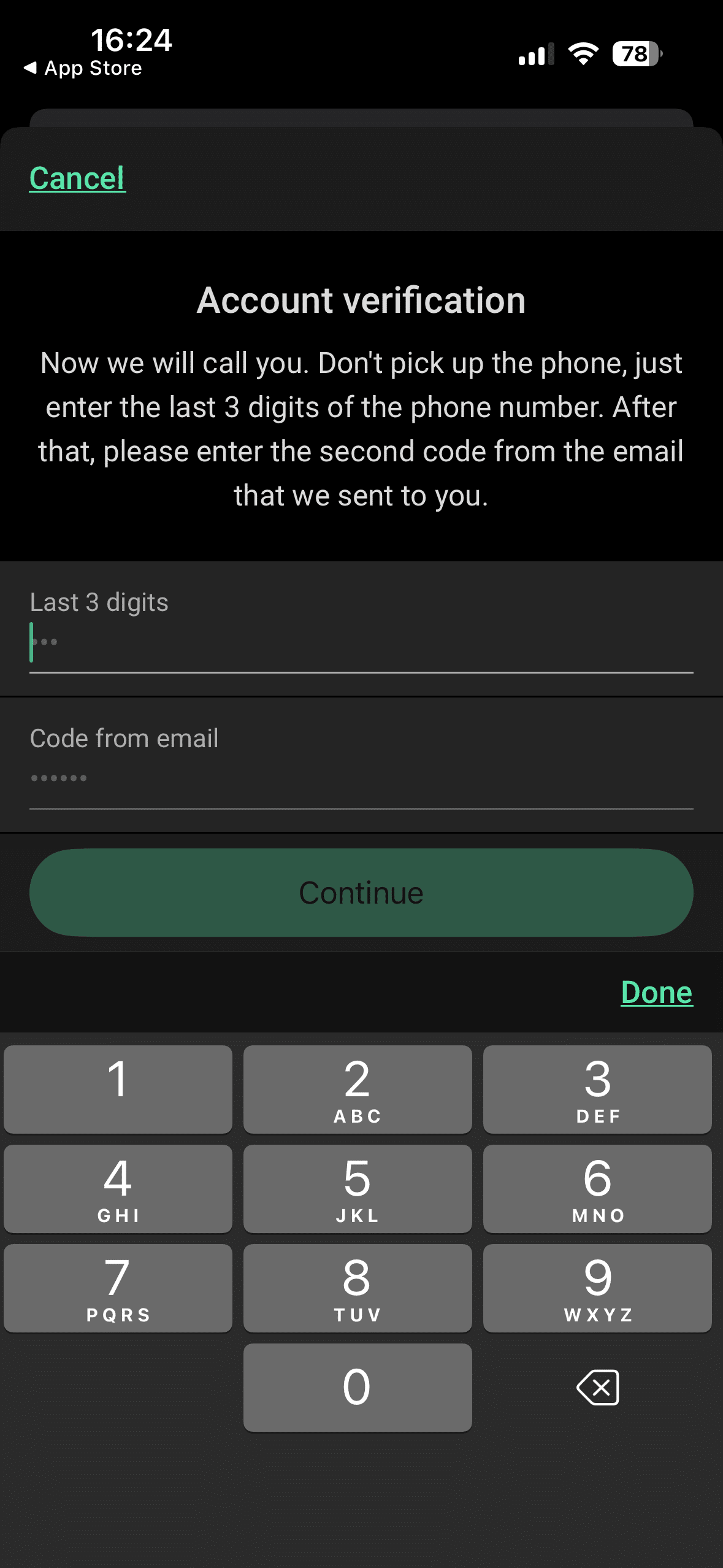
You will receive two verification codes—one via email and one via SMS. Enter both into the app to verify your identity.
5. Log In & Grant Permissions
When you log in for the first time, you will be asked to confirm several permissions. For the system to work correctly, please select:
- Notifications: Allow. (So you know immediately if the alarm goes off).
- Critical Alerts: Allow. (This ensures the alarm sound plays even if your phone is on silent).
- Bluetooth: Allow. (Used for setup and certain keypad features).
- Location: Always Allow. Will enable system intelligence such as reminding you to set alarm after leaving home.
Tip
We recommend enabling Touch ID or Face ID within the app settings. This makes disarming your alarm much faster and keeps the app secure if you ever lose your phone.
6. Connecting to Your System
As your PSA Licensed Installer, we handle the "Hub" connection for you.
If we have already sent you an invite, simply log in and you will see your home dashboard.