
Skip to main content
How Can We Help?
Table of Contents
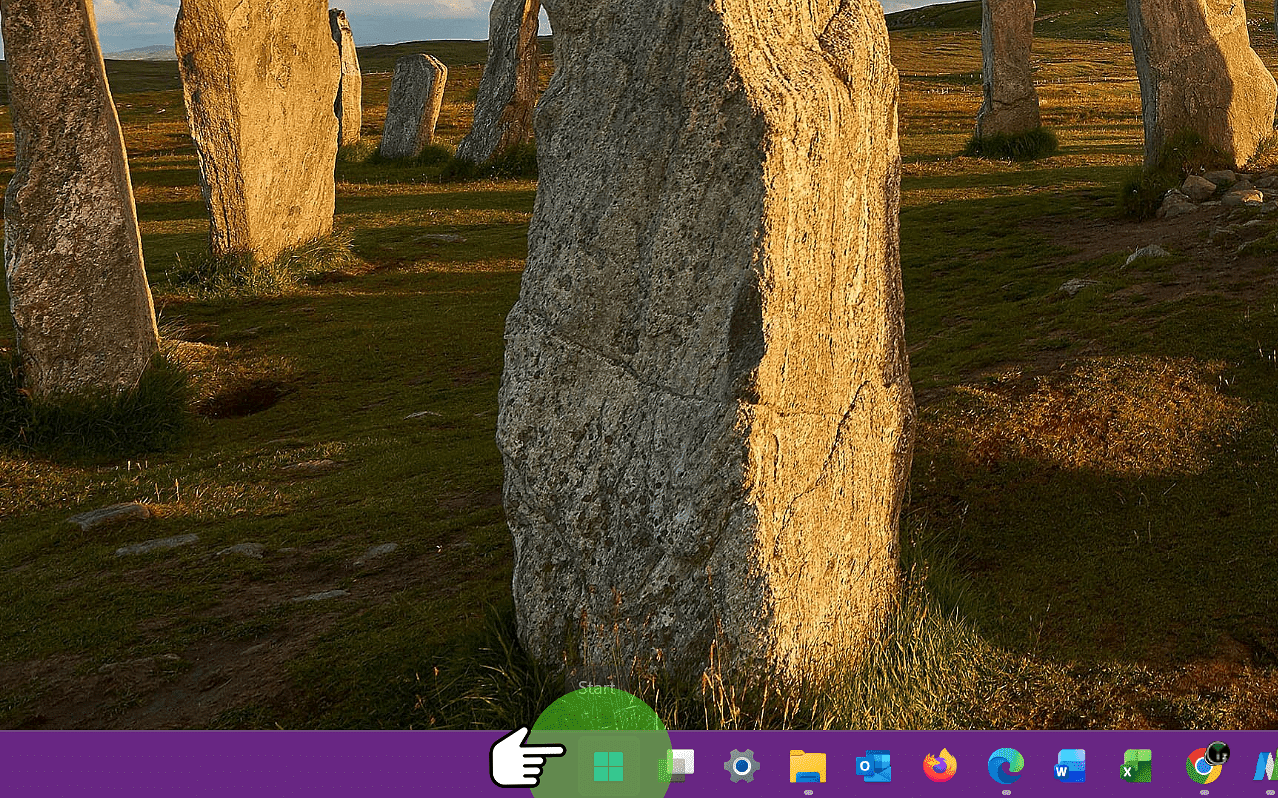
1. Click "Start"
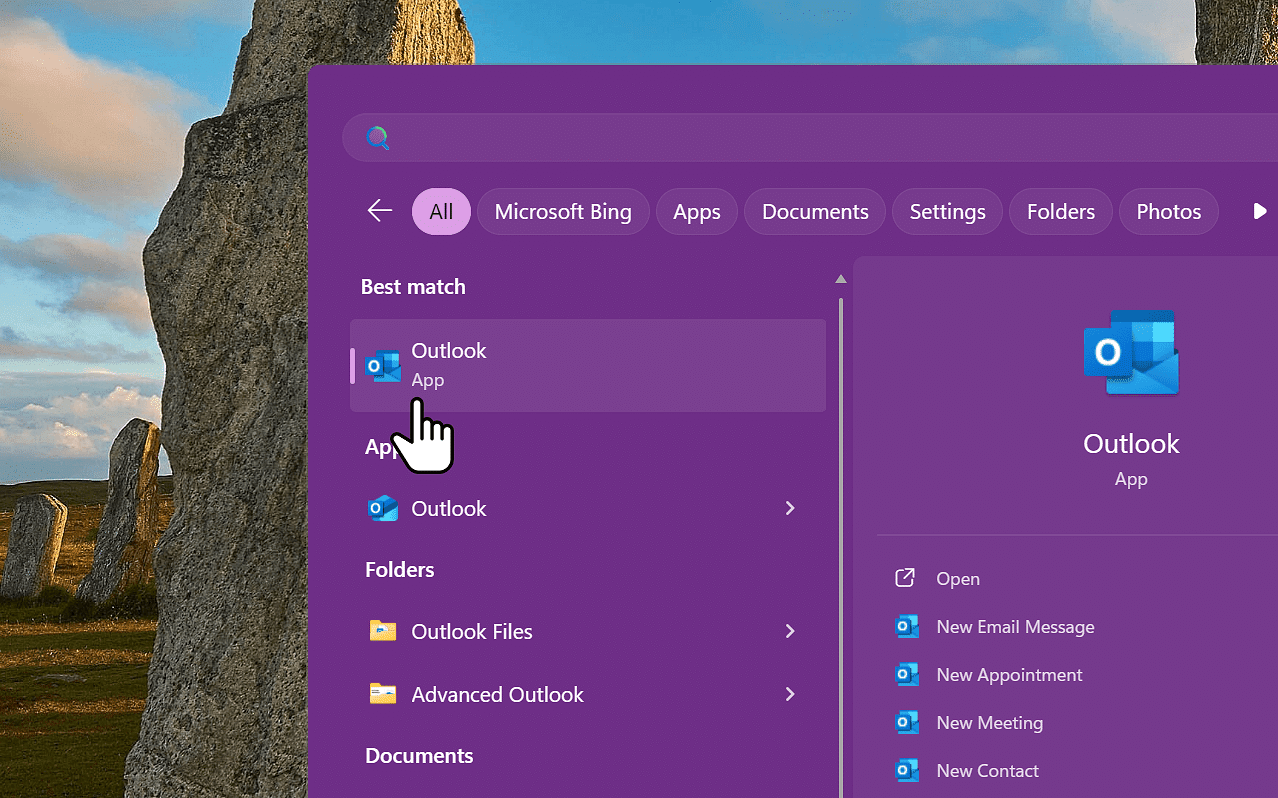
2. Open Outlook Classic
- Type "Outlook"
- Open Outlook Classic (as per the screenshot) and not the built-in Outlook App (Classic has the slightly squarer design)
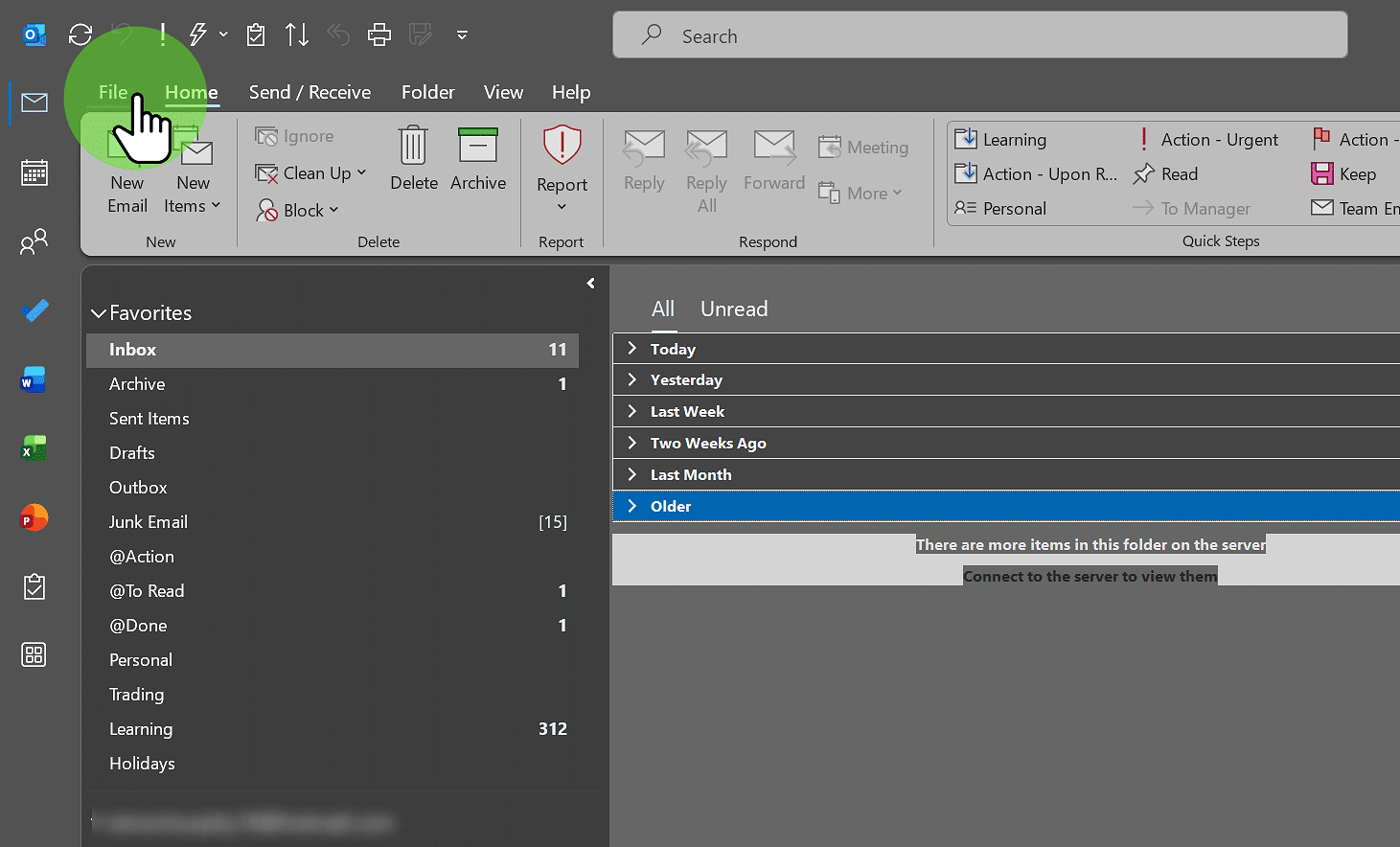
3. Click "File Tab"
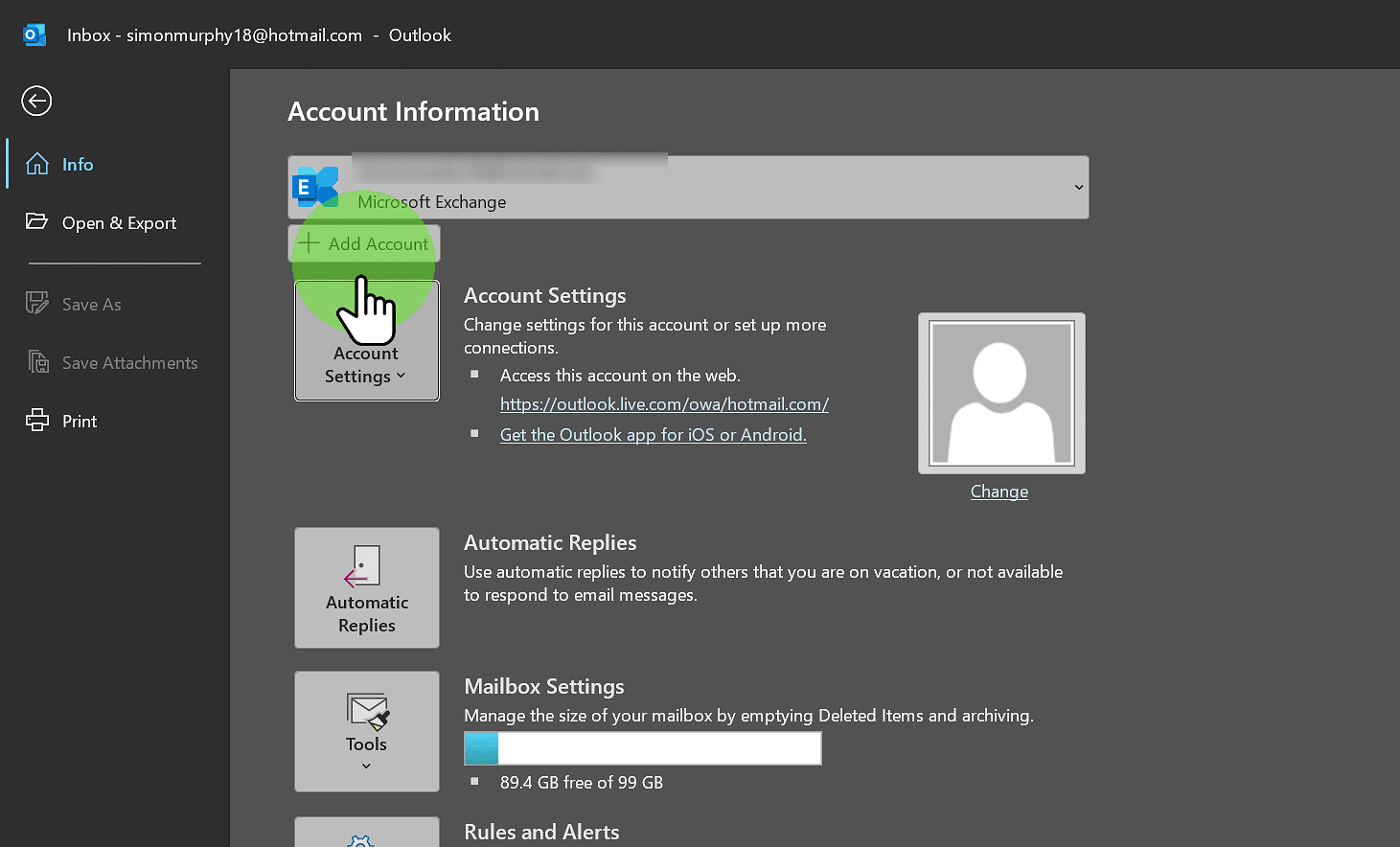
4. Click Add Account
- Click on Add Account
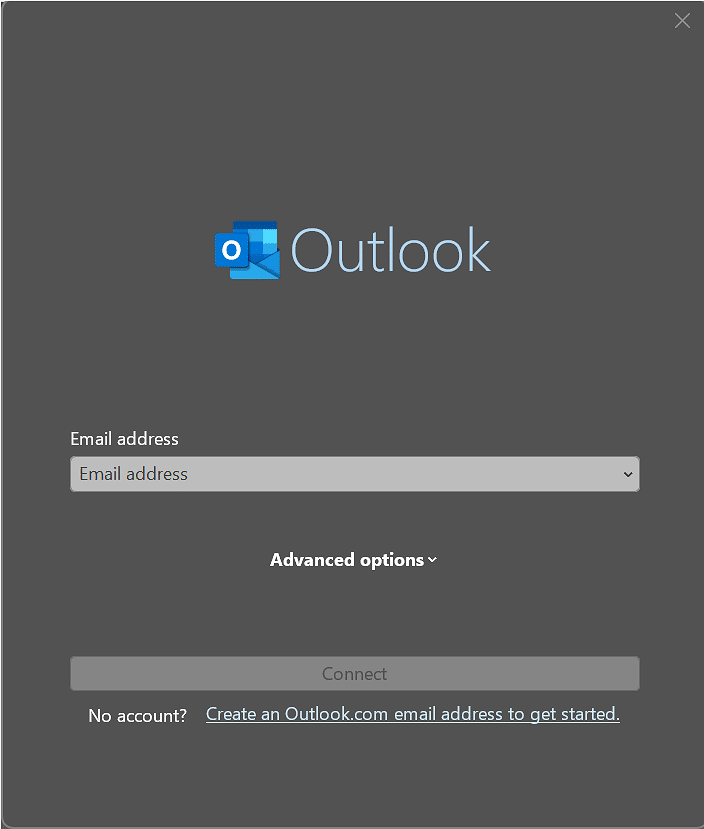
5. Enter credentials
- Enter your email address and password when prompted
- If asked to Sign in to All Apps, select No
- Your emails will then start to download from the server